Tool inspection manual
Sneaker Logo And Stitching QC Checklist
A sneaker QC checklist for full-shoe shape, logo placement, stitching close-ups, heel symmetry and hold-shipment photo requests.
Sneaker logo and stitching QC should start with the whole shoe, not the tiny close-up. A side profile photo tells you whether the panels, collar, toe shape and heel balance make sense before you zoom into the logo or stitch line.
Use the Sneakers QC path when you need a warehouse photo request, then keep the Sneakers inspection records open for nearby pairs. If you are comparing several links, log the final decision in the QC record table so the same flaw does not get checked twice.
Start With The Full Shoe Shape
Ask for one clean side photo, one top view and one heel view before judging any logo close-up. The side view should show the full outsole, toe, collar and rear panel without a hand, box label or cropped edge hiding the outline.
- Side profile: check logo height against the panel shape.
- Toe and vamp: confirm both sides look balanced before focusing on stitch rows.
- Heel view: use it to catch tilted tabs, uneven back seams or mismatched panel height.
Request Close-Ups Only Where They Decide The Order
A useful close-up has a job. For a swoosh, stripe, wing mark, heel logo or side badge, ask the agent to photograph it straight on with enough surrounding panel visible. For stitching, request the seam that affects the visible shape, not every stitch on the shoe.
Logo Placement Checks
- The logo sits at a believable height for the model and colorway.
- Edges are not softened by glare, motion blur or heavy shadow.
- Left and right shoes show the same logo angle when both sides are available.
Stitching And Panel Checks
- Stitch rows follow the panel curve instead of drifting near the toe or heel.
- Loose threads, glue shine or rough panel cuts are visible enough to judge.
- Material texture still looks natural after the seller or warehouse photo compression.
Hold Shipment When The Photos Hide The Decision
Do not accept the pair from one cropped detail photo. Hold shipment and request another angle when the logo is partly hidden, the stitch line disappears into shadow, or the heel view is missing on a pair where back symmetry matters.
For a borderline pair, write the agent request in plain language: "Please send a straight side photo, heel photo and close-up of the logo stitching before shipping." That keeps the QC task specific and avoids a vague reshoot.
Inspection-linked records
Product galleries connected to this manual for image angles, material checks and price context.
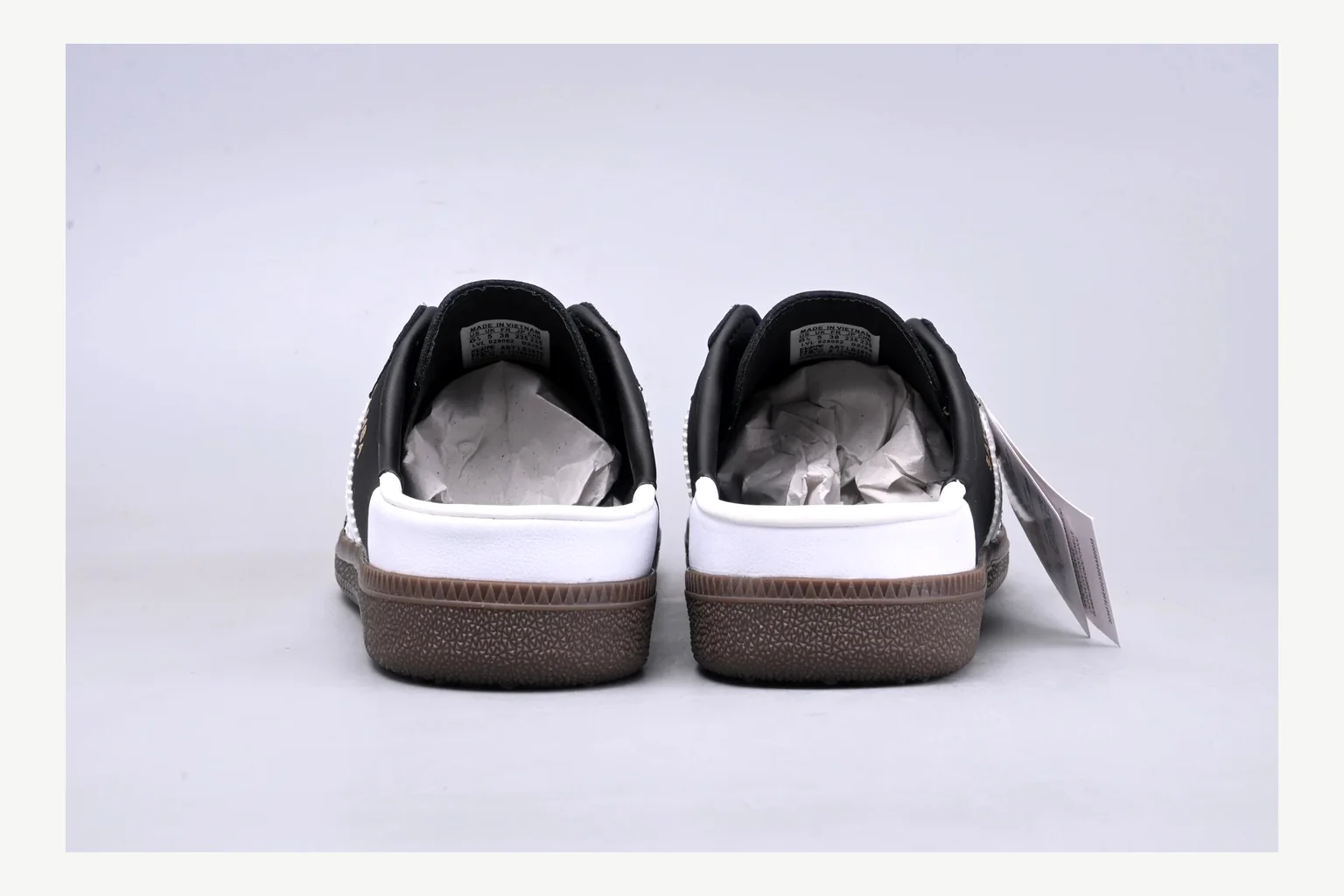 Sneakers
Adidas Originals Samba Black White QC Image Checklist
QC cost check From ~$54.44
Plate 02
Sneakers
Adidas Originals Samba Black White QC Image Checklist
QC cost check From ~$54.44
Plate 02
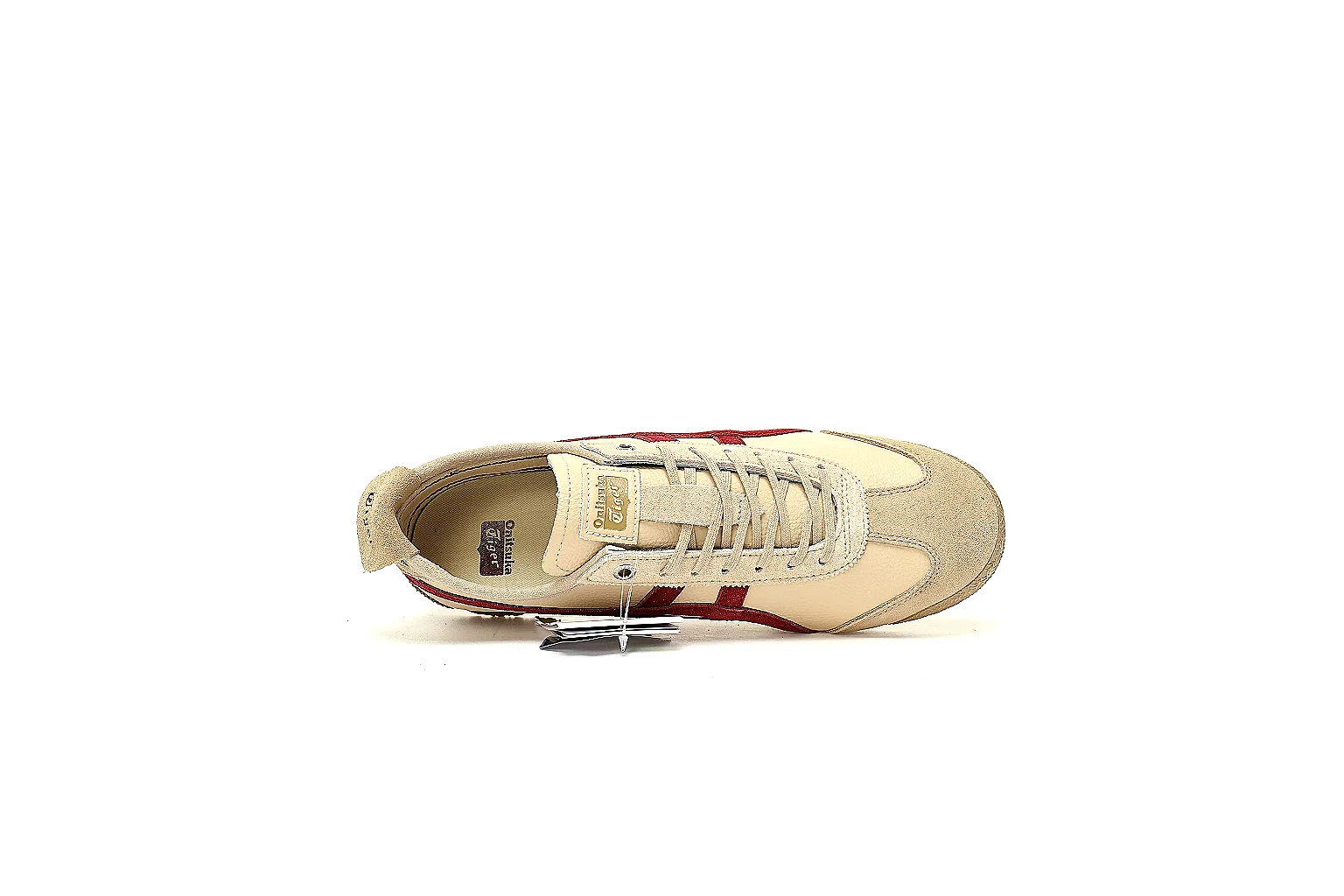 Sneakers
QC the Cream and Burgundy Mexico 66 from Every Supplied Angle
QC cost check From ~$54.44
Plate 03
Sneakers
QC the Cream and Burgundy Mexico 66 from Every Supplied Angle
QC cost check From ~$54.44
Plate 03
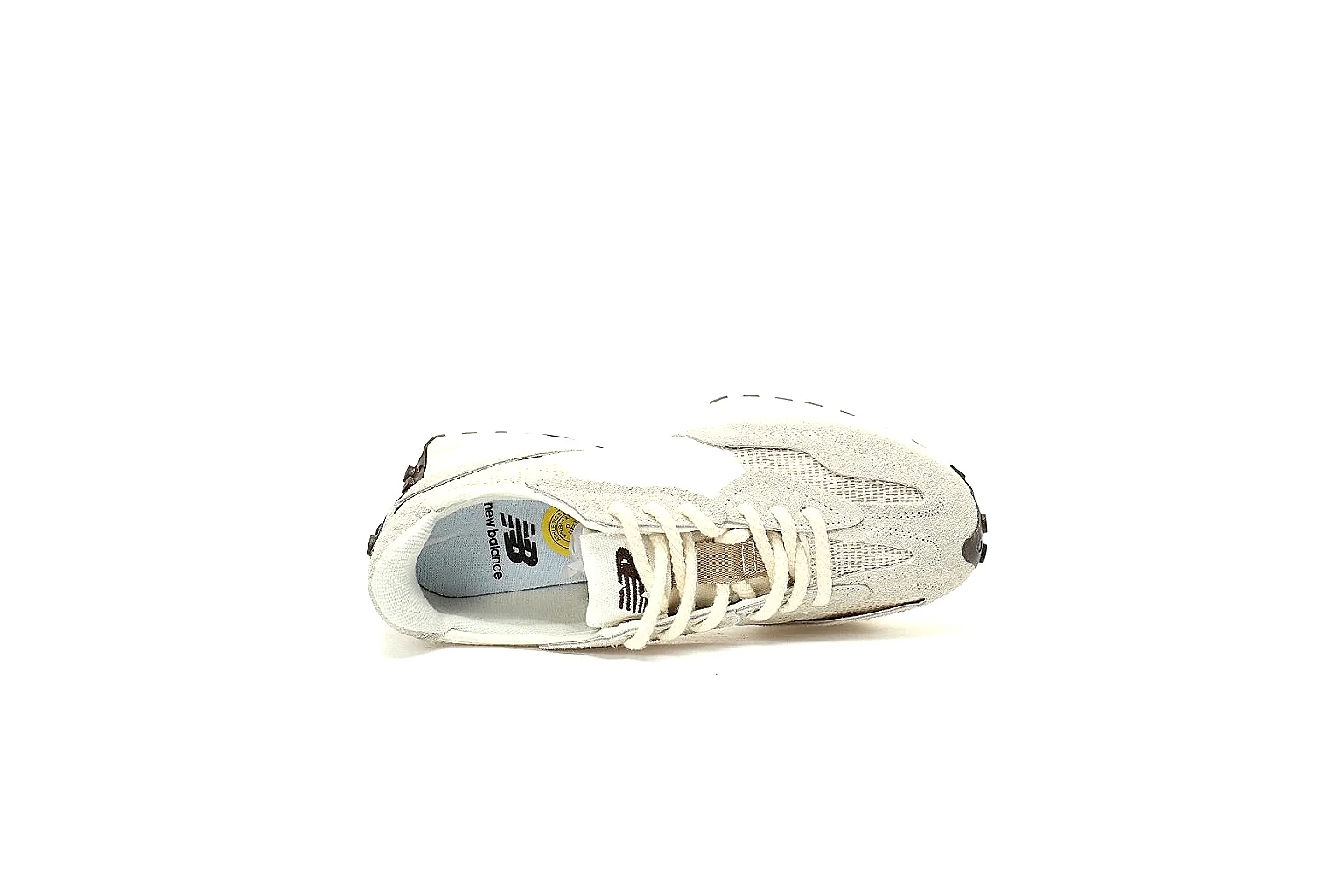 Sneakers
QC Lab Review of SKU 986760202
QC cost check From ~$60.84
Plate 04
Sneakers
QC Lab Review of SKU 986760202
QC cost check From ~$60.84
Plate 04
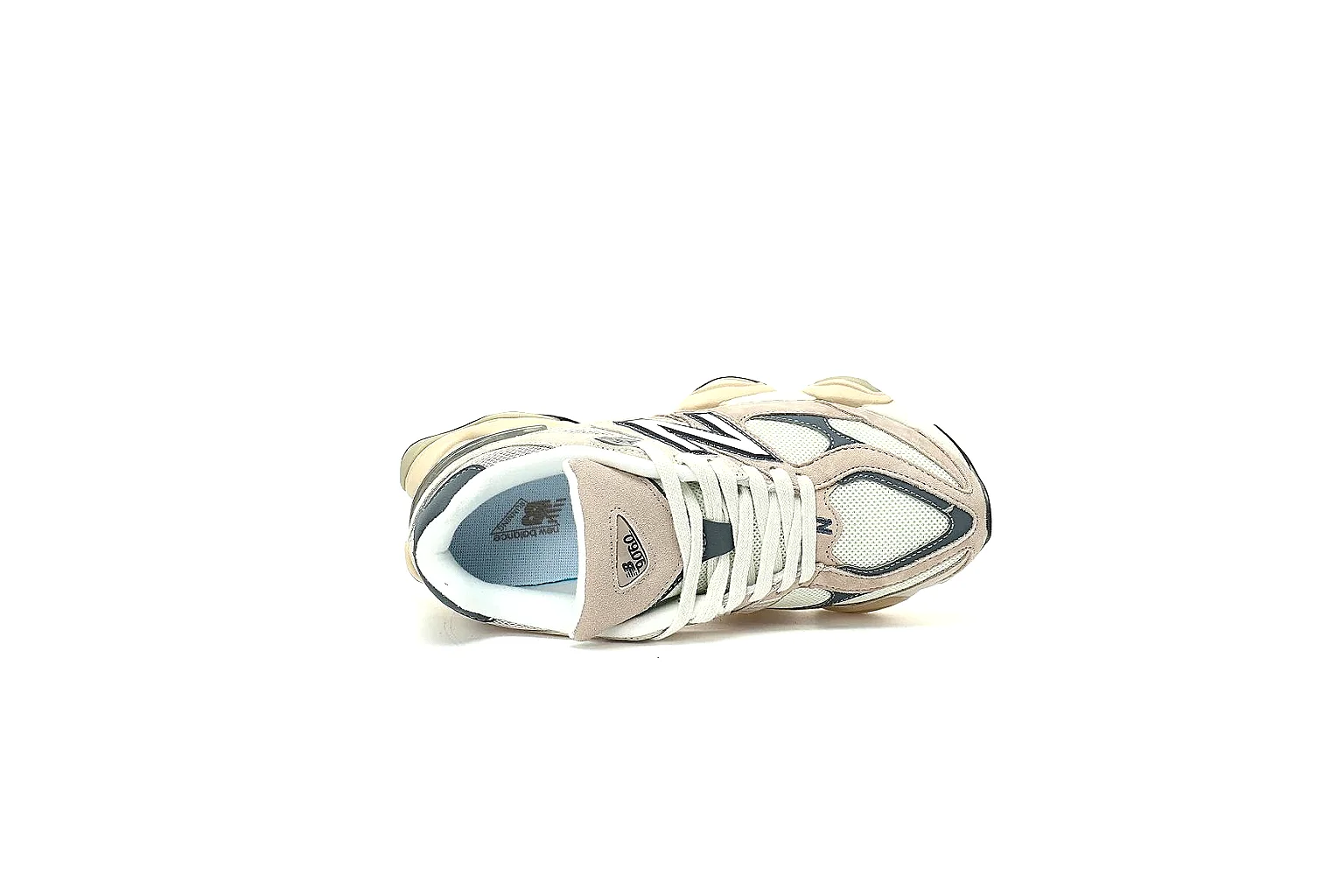 Sneakers
New Balance 9060 Beige Visual QC Checklist
QC cost check From ~$54.44
Sneakers
New Balance 9060 Beige Visual QC Checklist
QC cost check From ~$54.44